 English
 Bengali
OKGO COM App — Android APK & iOS Access Explained
Want the entire casino sitting in your pocket? Good call. I've been using OKGO COM from my phone for the last four months, and the app handles Aviator crash rounds and in-play cricket wagers noticeably faster than the browser version ever could.
📲 Getting the OKGO COM App on Your Phone
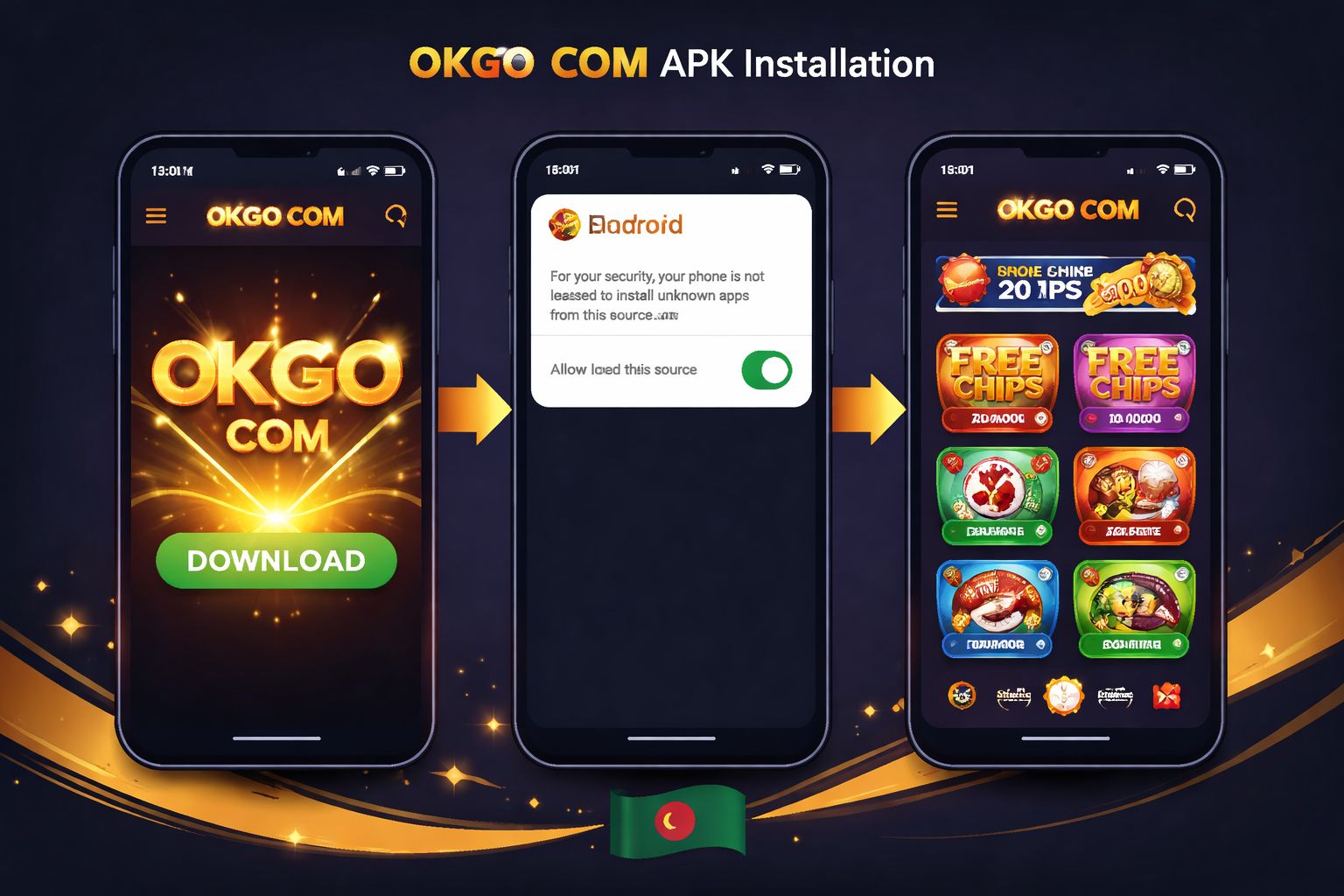
Skip the Play Store search — you won't find it there. That's completely normal for betting apps in Bangladesh because Google blocks gambling downloads from its regional store. Don't let it worry you.
Instead, go directly to the official OKGO COM website. The download button lives in the top navigation bar and also at the very bottom of the homepage. Tap it, save the file, that's it.
File specifications you should know:
| Spec | Value |
|---|---|
| File size | 26 MB |
| Format | APK (Android package) |
| Requires Android | 6.0 or newer |
| Latest version | 4.1.0 |
| Last updated | Rolling (every 4–6 weeks) |
| Digital signature | Verified by OKGO COM development team |
One critical warning before you begin: only ever grab the APK from the legitimate OKGO COM site at okgobd.net. Those sketchy APK mirror sites shared through WhatsApp or Telegram? Avoid them completely. Many carry malware or fake login screens designed to harvest your account credentials.
You can always verify the current version and grab the newest link from the official app hub.
🤖 Android APK Installation Walkthrough
Android is straightforward. Most players across Dhaka, Chittagong, and Sylhet are running Android anyway, so the process should feel natural. Full install time: less than 90 seconds.
Follow these steps in order:
- Tap the Android download button on the website — the .apk file starts saving to your Downloads folder automatically
- Enable installs from unknown sources — one-time setup: - Android 6–7: Settings → Security → toggle "Unknown sources" ON - Android 8 and newer: A prompt appears asking "Allow this browser to install apps?" — hit Allow
- Locate the .apk file from your notification tray or a file manager
- Tap Install — the process wraps up in about 20 seconds
- Launch the app, sign in through the login portal or register fresh, and you're ready to play
The complete process took me roughly 80 seconds on an older Samsung Galaxy A32. Zero lag, no crashes, no strange prompts along the way.
App permissions — what each one actually does:
| Permission | Why it asks | Should you allow? |
|---|---|---|
| Storage | Store the APK, cache game graphics | ✅ Yes |
| Notifications | Bonus alerts, match reminders, cash-out prompts | 🟡 Up to you — app functions either way |
| Camera | KYC selfie verification for large withdrawals | 🟡 Only during identity checks |
| Location | Match location to account country details | 🟡 Speeds verification but optional |
| Contacts | Never requested — if it asks, cancel immediately | ❌ No |
The genuine app never asks for SMS, phone call, or contact list permissions. If a random APK requests those — it's a counterfeit. Delete it.
🍏 iPhone & iPad — Here's Your Path
Straight talk: there's no dedicated iOS application. Apple's App Store doesn't approve real-money gambling apps for Bangladeshi accounts, which means OKGO COM (like every other Bangladeshi operator) simply can't publish one through legal channels.
The upside: the mobile web version is genuinely excellent. Fire up Safari, head to okgobd.net, and you'll access identical functionality:
- ✅ Complete slot game library
- ✅ Live dealer casino tables
- ✅ Cricket, football, and kabaddi live betting
- ✅ Deposits and withdrawals through bKash, Nagad, Rocket, Upay
- ✅ Push notifications when saved to home screen
Save to home screen — this gives you an app-like feel:
- Launch Safari and navigate to okgobd.net
- Tap the Share icon (the box with an upward arrow)
- Scroll down through the menu, select "Add to Home Screen"
- Rename it "OKGO COM", then tap Add
- The icon now sits on your home screen just like a native app
Live streams and slot games run every bit as smoothly as they do inside the Android app. The only thing iOS users miss out on is the app-only welcome bonus (details below).
⚡ Why the App Actually Beats the Browser
Do you truly need the app if the mobile site works? Legitimate question. Here's what I noticed after switching over:
Performance boost:
- 🚀 Section-to-section loading is faster (roughly 2s vs 4–5s on the browser)
- 🚀 Live streams begin buffering less often
- 🚀 Bet slip refreshes without reloading the entire page
Native features you can't get on browser:
- 📱 Biometric login — fingerprint or face ID instead of typing your password each visit
- 🔔 Push alerts for exclusive bonuses, cashback offers, and match kickoffs
- 💾 Offline access to your betting history and transaction records
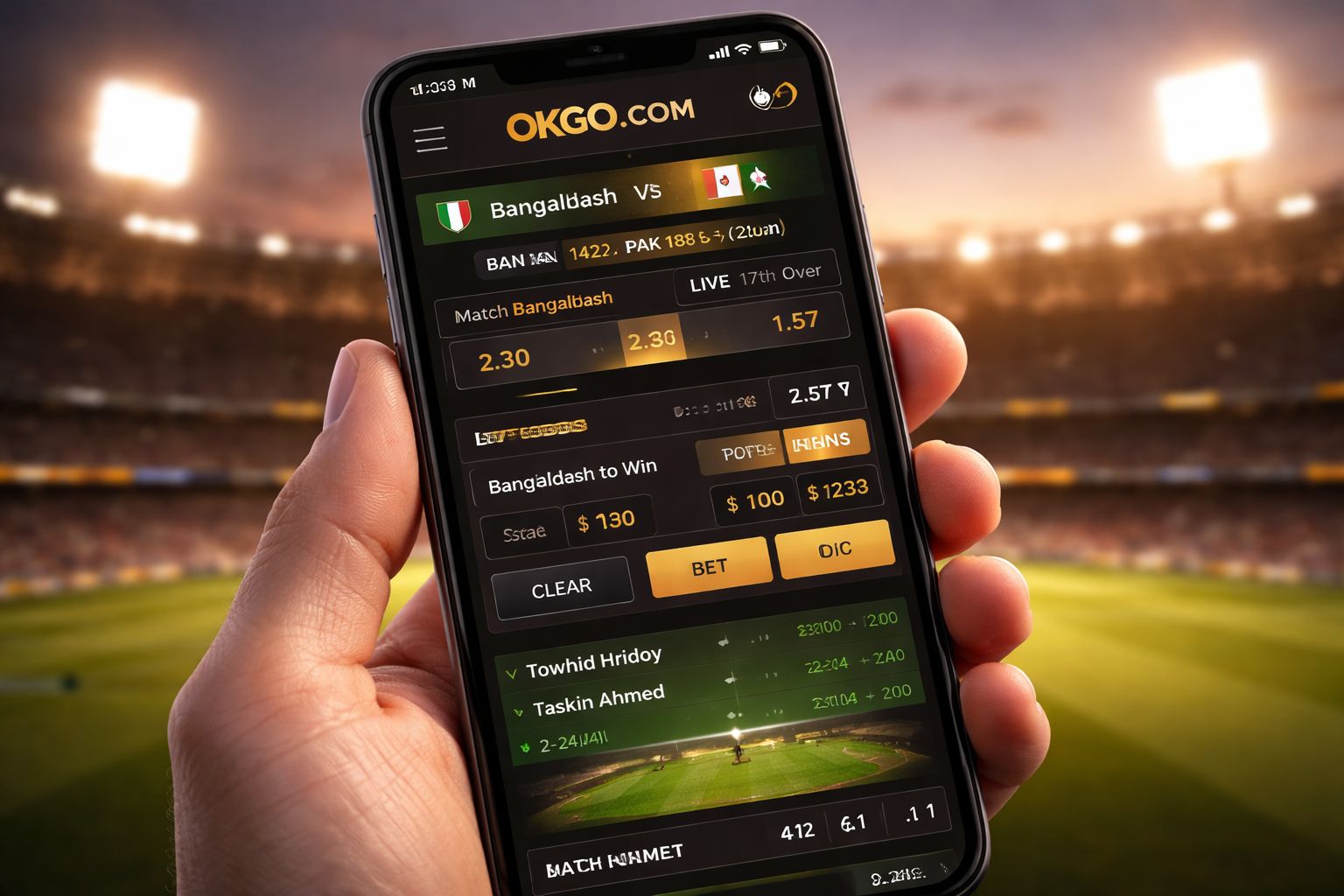
- 🎯 Single-tap "Quick Bet" during in-play cricket sessions
- 🔊 Live dealer chat runs smoother (fewer disconnects during long sessions)
Data consumption estimates:
- 📊 Roughly 15–25 MB per hour of live dealer play
- 📊 Roughly 5–10 MB per hour of slot spinning
- 📊 Roughly 60–100 MB per hour of live cricket streaming
- 📊 Drop video quality to SD in settings to slash mobile data usage in half
🎁 App-Exclusive Rewards
Two rewards you can only trigger by installing the app itself:
1. First-install free bet: ৳ 250
- Automatically credited to any account after the first app installation
- No deposit needed — genuine free bet usable on any cricket or football market
- Minimum odds of 1.60 required for the free bet to be valid
- Winnings paid as withdrawable cash, no wagering requirement attached
2. App notification perk: ৳ 60 free spins every week
- Enable push notifications and stay signed into your account
- Every Monday you'll get 6 free spins on that week's featured slot
- Modest on its own, but it stacks up nicely over a full month
Neither of these unlocks through the mobile browser nor on iOS. That's how OKGO COM nudges players toward the app — a fair exchange for the performance improvements. Combine these perks with the full promotions catalog to maximize value.
🛠️ Fixes & Updates
Installation fails partway through:
- Confirm "install unknown apps" is enabled for your specific browser
- Make sure at least 120 MB of storage is available
- Uninstall any older version of the app before installing a fresh one
- If the installer reports "app not installed" — clear your Downloads folder and retry
App refuses to open after installing:
- Force close it and relaunch
- Reboot your phone completely
- Reinstall the APK from the official site (last resort)
Live casino streams stuttering:
- Toggle between WiFi and 4G/5G to see which is stronger
- Shut down background apps eating your bandwidth
- Reduce stream quality via the settings gear inside the game
- Older devices running Android 6–7 may struggle with HD — this is expected
Updates and version upgrades:
- The app auto-checks for new versions each time you launch it
- When one is available, a red dot appears on the settings icon
- Tap it, download, install over the existing version (your session stays intact)
- Every 4–6 weeks a small patch drops — mostly bug fixes and new slot titles
If nothing here resolves your issue, contact support through live chat available on the account login page. Bangla-speaking agents typically reply within 3 minutes, and you can also email [email protected].
❓ Common Questions
Yes, provided you grab it from the official OKGO COM website at okgobd.net. Every APK is digitally signed and put through malware scans before release. Never download from Telegram channels or forum links — those files can be tampered with.
It's Google's policy. Real-money gambling apps aren't permitted in the Bangladesh Play Store. Every legitimate Bangladeshi casino distributes via APK — this is the standard practice, not a warning sign.
No, no iOS build exists. iPhone owners access OKGO COM through Safari — you get the same full feature set, just without the app-exclusive bonuses.
Around 15–25 MB per hour of live dealer sessions, 5–10 MB per hour of slot spinning, and 60–100 MB per hour of live cricket viewing. Lower the streaming quality in the app settings to cut consumption significantly.
Not at all — updates install right over the current version. Your login details, favorite games, and betting preferences all migrate automatically without any manual work.
Yes. One account can be signed in on up to 2 devices at once. Placing bets from both simultaneously isn't advised — it can flag automated fraud detection systems.
Your account remains completely safe. Just log in via the mobile browser or reinstall the app — none of your data, funds, or bet history is lost.
The same Android APK works on tablets. The interface scales up to the larger display automatically. iPad users should stick with Safari.
💭 Wrapping Up
Is the app absolutely necessary? Not really. The mobile browser at OKGO COM runs fine. But if you're logging in more than a couple of hours weekly, the app is quicker, more stable, and hands you a ৳ 250 free bet just for installing.
That ৳ 250 no-deposit free bet alone justifies the 90-second install — it's among the most generous no-deposit offers I've encountered from any Bangladesh operator this year. Stack it with the standard welcome package and you'll begin with proper ammunition to explore the full games catalog.
Only pull the APK from the official OKGO COM app section. Any other source is a security gamble not worth taking. Straightforward rule to follow.